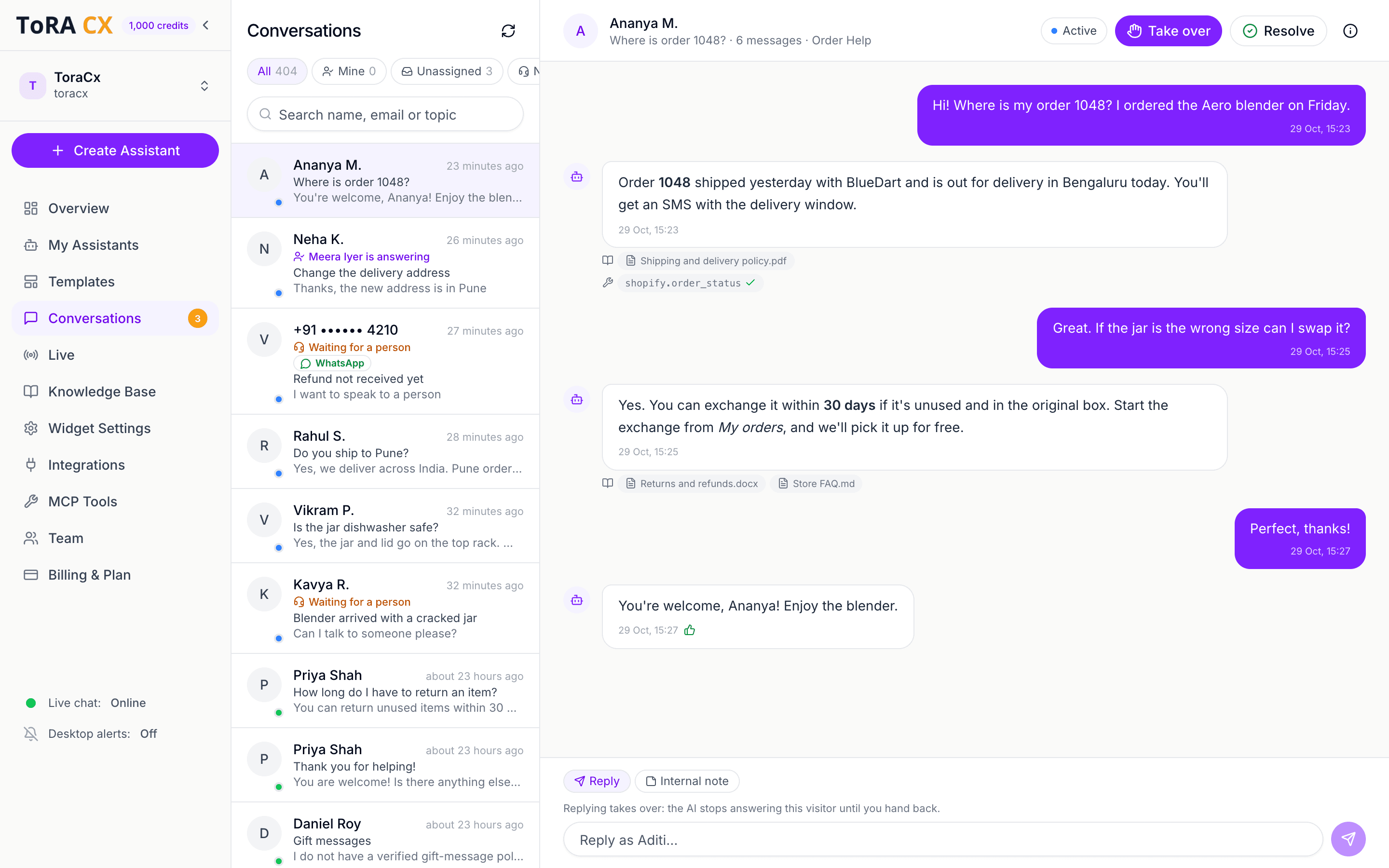
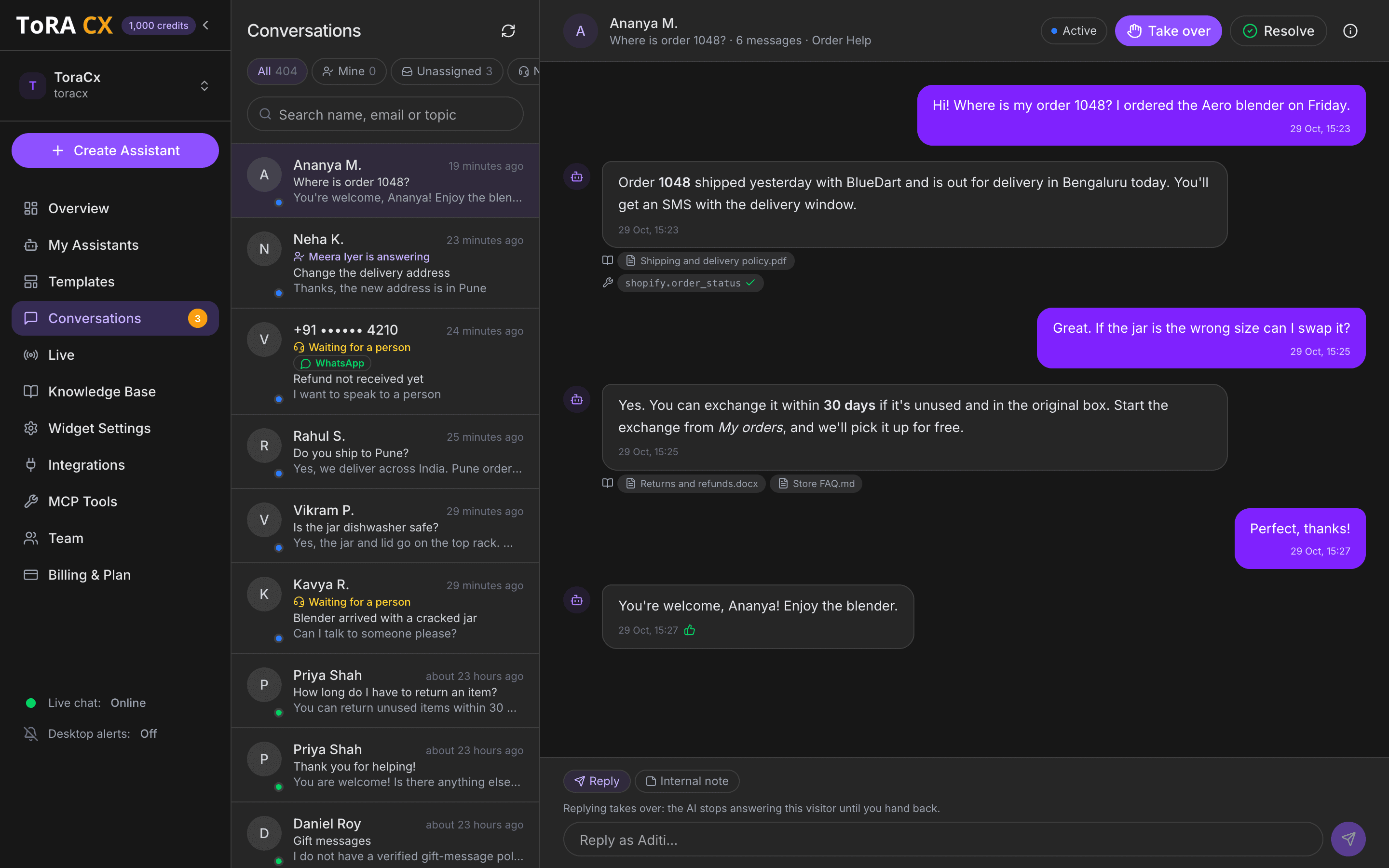
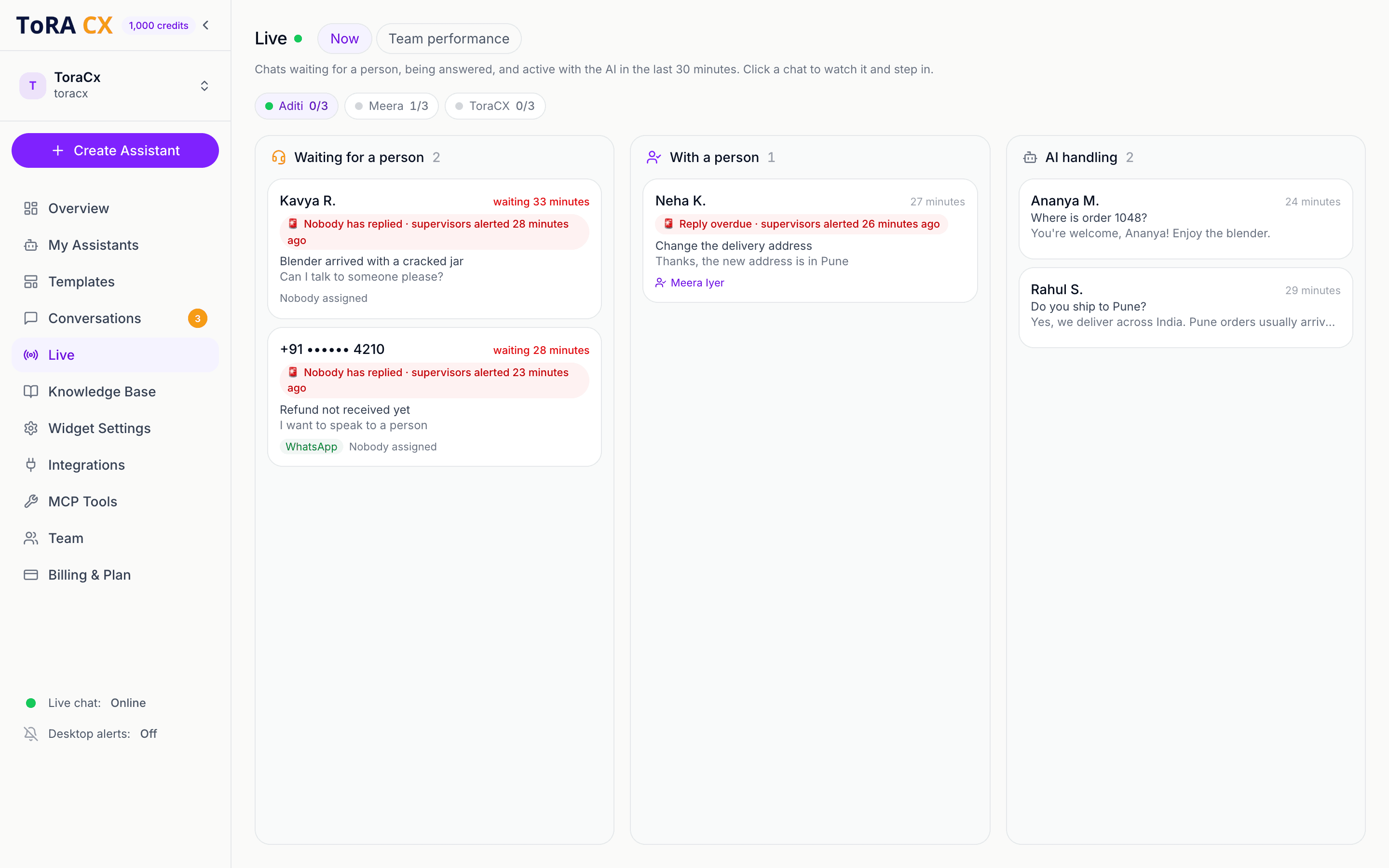
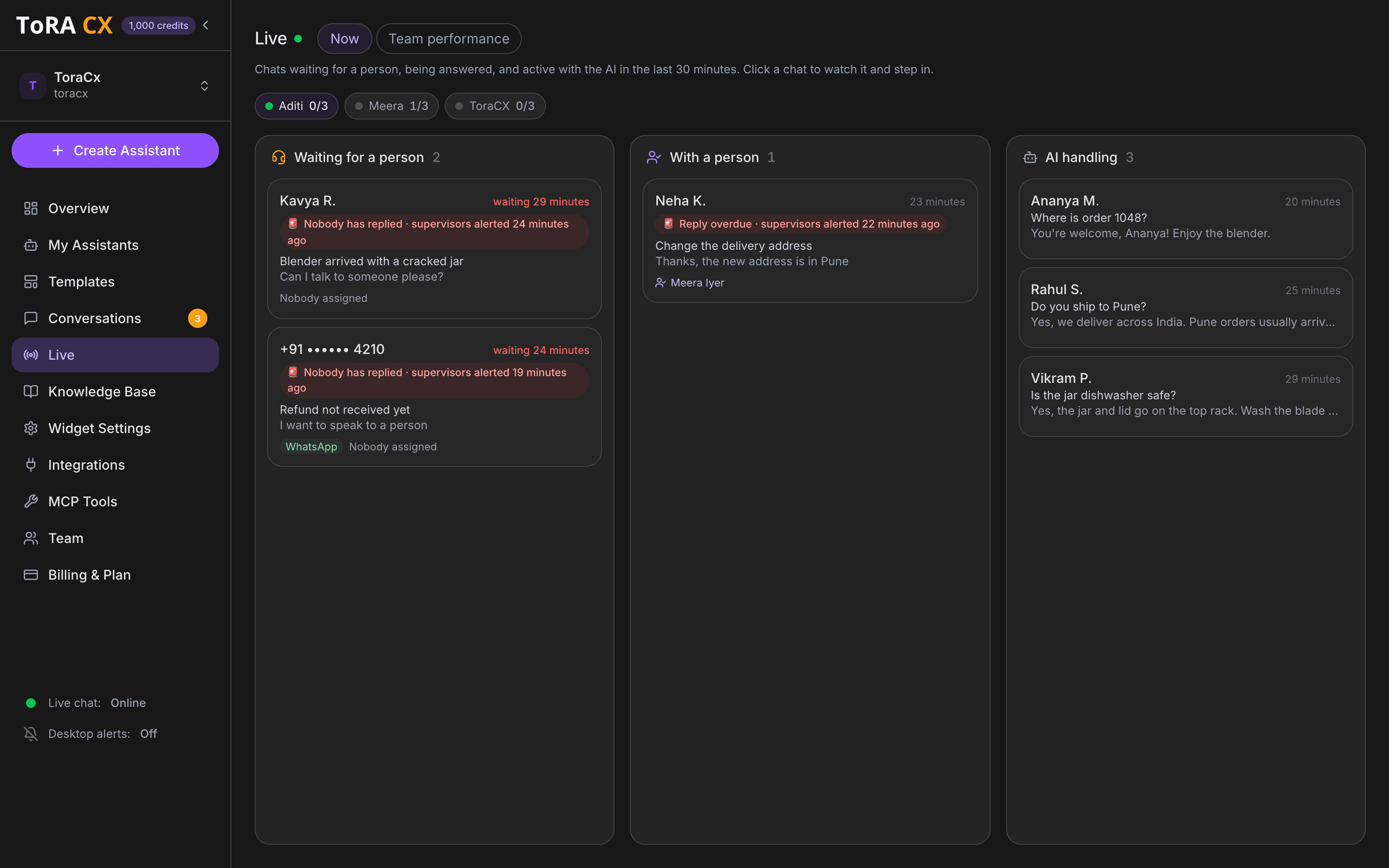
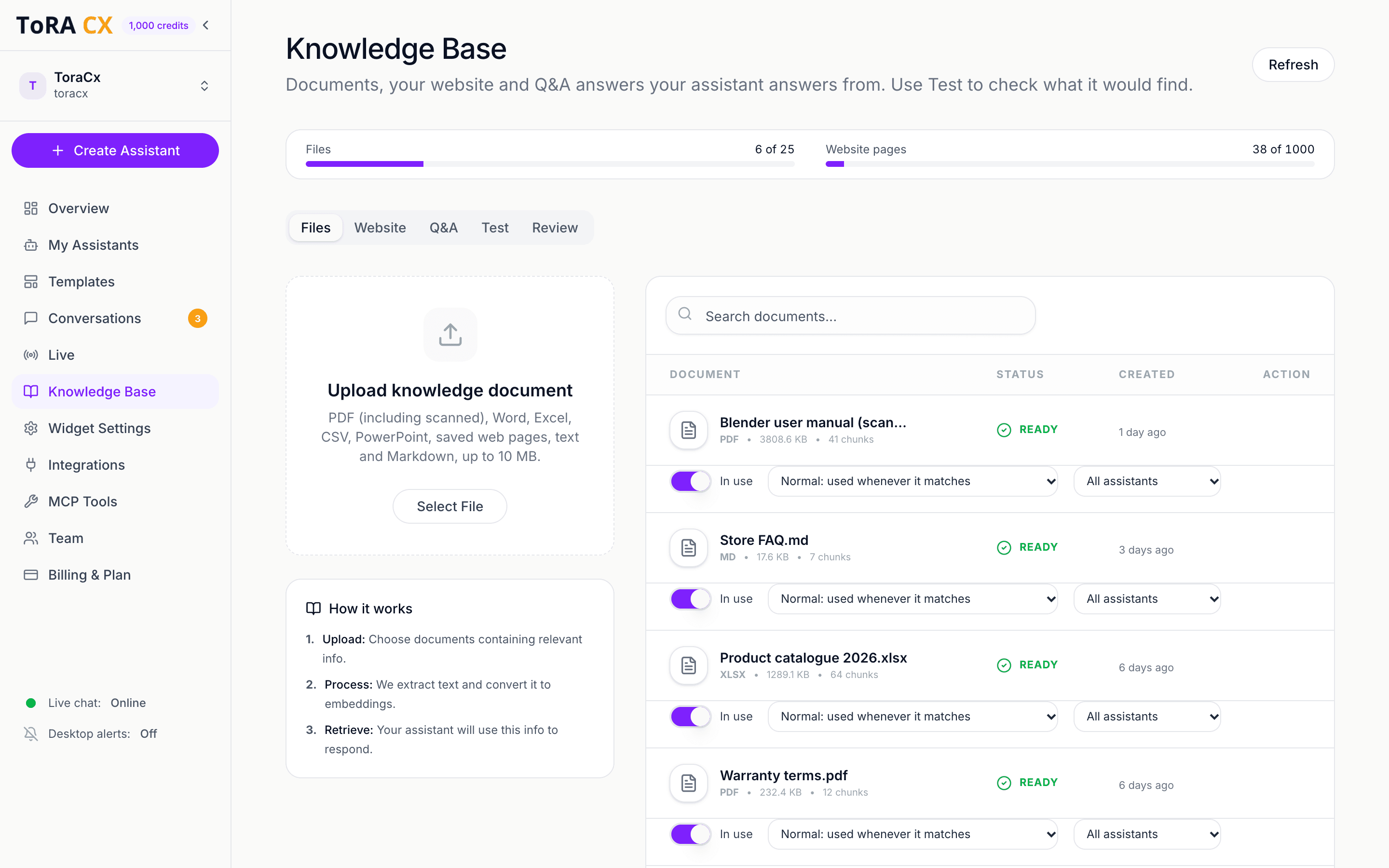
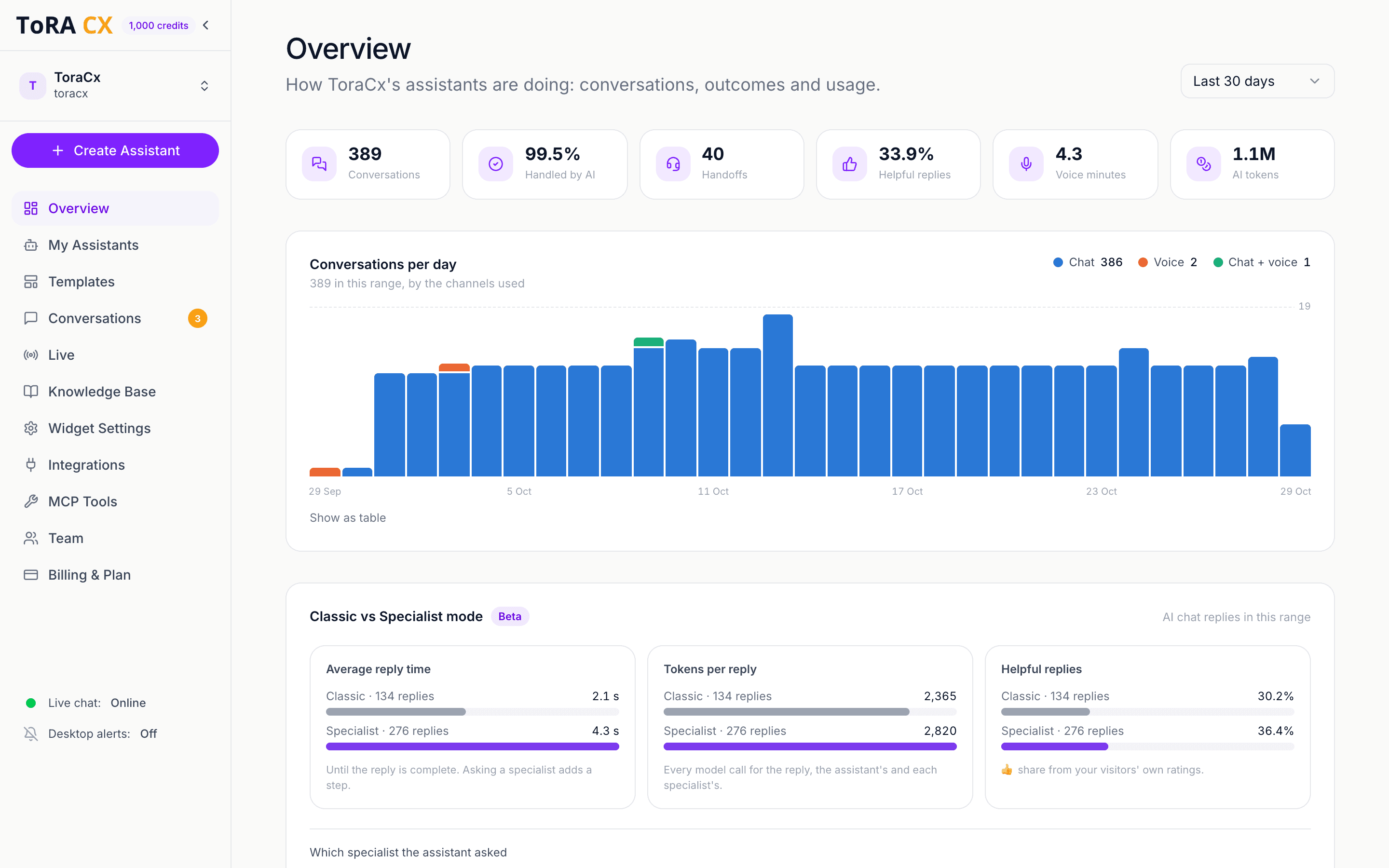
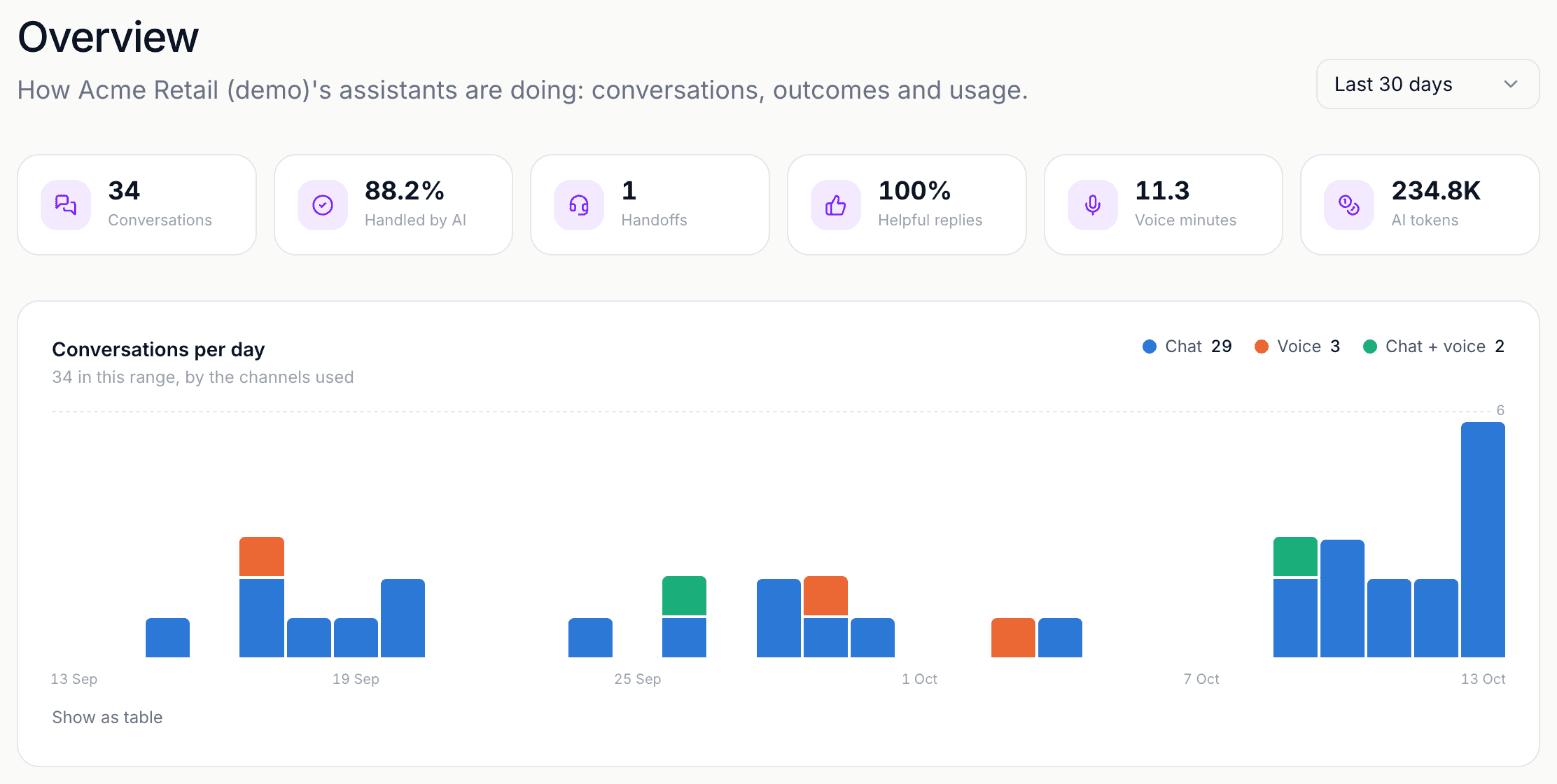
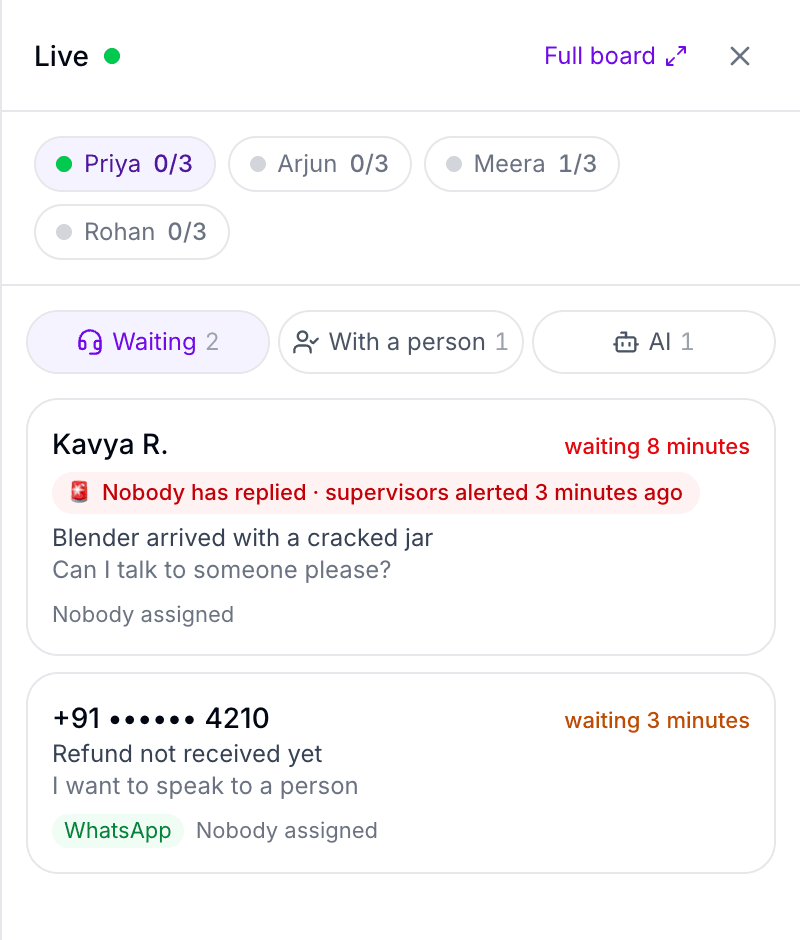
Your team can now answer customers live, from the dashboard or Slack. Supervisors see every chat as it happens.
See howBuild intelligent assistants in minutes, not months
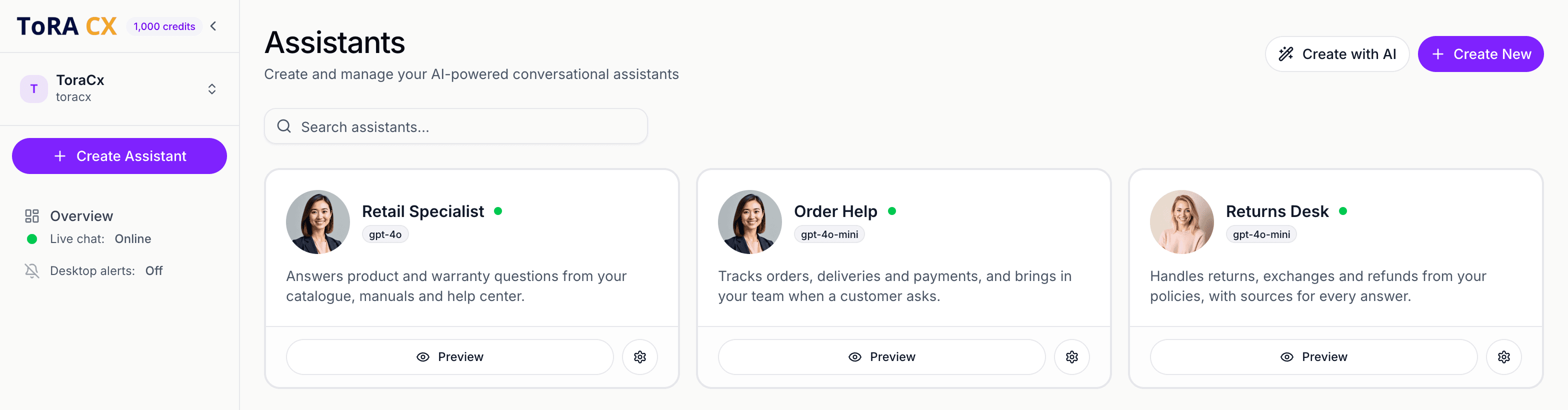
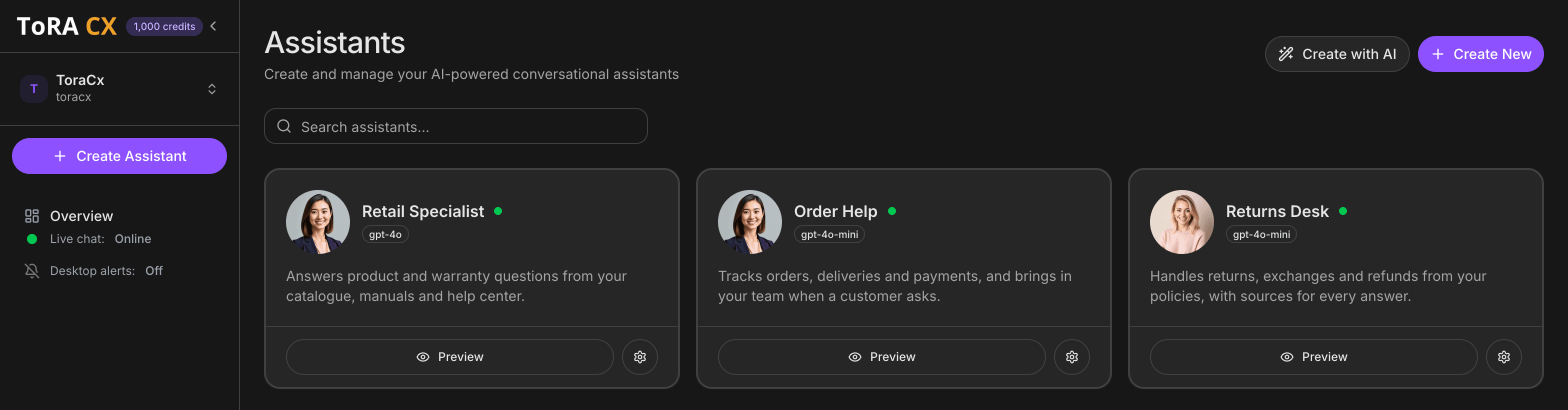
Give your customers a chat, WhatsApp, email and voice assistant that actually knows your business: trained on your docs, able to look up orders and read the screenshots customers send, with your team joining live when it matters.
Works with the tools you already use
- Shopify
- Stripe
- Razorpay
- Zendesk
- Slack
- OpenAI
- ElevenLabs
- Vapi
- Deepgram
- Chat, WhatsApp, email and voice in one assistant
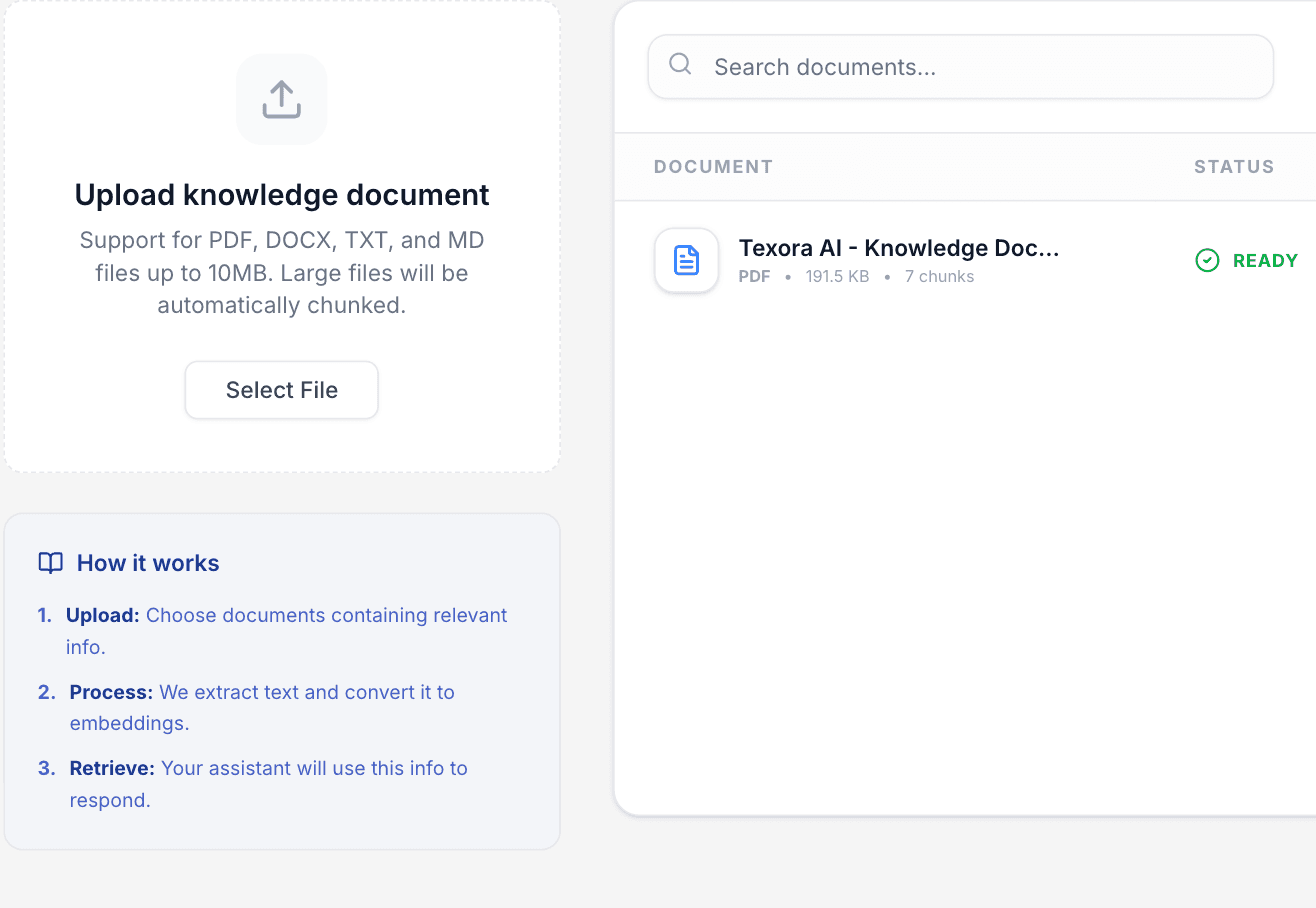
- Answers from your docs, with sources
- Reads screenshots and PDFs
- Your team joins live, even from Slack
Answers from your knowledge
Every answer comes from your own documents.
Pick a question and watch what happens behind the reply: your knowledge is searched, the best passages are kept, and the answer is written only from them. Try the discount question to see a guardrail at work.
Multi-agent AI · Specialist mode (beta)
One assistant. A team behind every answer.
Let your assistant call on specialists for orders and human handoffs, while keeping the whole conversation in one familiar voice.
Your assistant leads
Searches your knowledge base, brings in specialists when needed, and writes every customer reply in your brand's voice.
An orders specialist checks
Uses your connected tools to look up orders, payments and tickets. Actions that change data wait for the customer's confirmation.
A handoff specialist helps
When live handoff is enabled, offers a “Talk to a person” button so the customer can bring your team into the conversation.
Turn on Specialist mode in your assistant settings. Available for text chat; specialists use the tools and handoff options you enable.
Automations
Workflows that run themselves, with a person in the loop.
Build flows from boxes: when something happens in a chat, check a condition, look it up in Shopify, Stripe or Zendesk, ask a teammate to approve, then reply, post to Slack or send a WhatsApp template. Pick one and run it.
A person in the loop
Any step can wait for a teammate's approval, in the dashboard or straight from Slack. Actions that run on their own need an owner's OK first.
A backup path for every step
When Shopify, Slack or WhatsApp says no, the Failed exit takes over. Flows that keep failing alert you and switch themselves off.
Test before you switch on
A test run shows what every box would do, with real lookups, without sending anything or changing any data.